


5.4 Serial Monitor and Serial Plotter
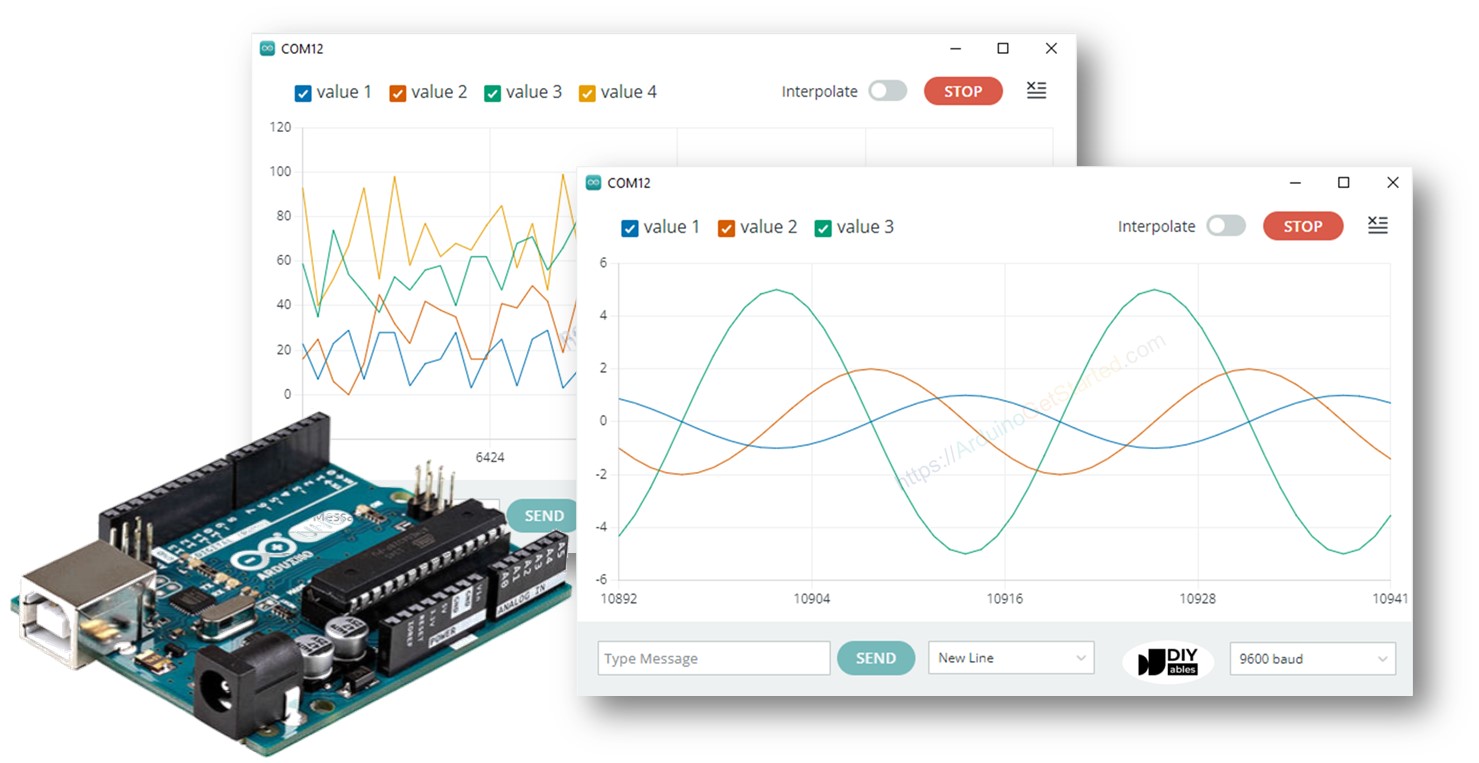
5.4 Serial Monitor and Serial Plotter
5.4.1 What is Serial Communication?
Serial communication is a method of transmitting data one bit at a time between electronic devices.
Arduino can use serial communication to exchange information with:
- A computer
- Another microcontroller
- Sensors
- GSM modules
- Bluetooth modules
- Other serial devices
Arduino IDE provides two important serial tools:
- Serial Monitor
- Serial Plotter
5.4.2 Serial Monitor
The Serial Monitor is a tool in the Arduino IDE that allows the user to view data sent from the Arduino to the computer and, when configured appropriately, send data from the computer back to the Arduino.
It is very useful for:
- Debugging programs
- Displaying sensor values
- Checking program execution
- Sending commands
- Monitoring system status
Starting Serial Communication
The Arduino program normally initializes serial communication using:
Serial.begin(9600);
Here, 9600 is the communication speed, called the baud rate.
Displaying Data
Serial.println(“Hello Arduino”);
The Arduino sends the message to the computer.
Simple Serial Monitor Program
void setup() {
Serial.begin(9600);
}
void loop() {
Serial.println(“Arduino is working”);
delay(1000);
}
The Serial Monitor will display:
Arduino is working
Arduino is working
Arduino is working
Arduino is working
Serial Monitor Functions
|
Function |
Purpose |
|
Serial.begin() |
Starts serial communication |
|
Serial.print() |
Prints data without a new line |
|
Serial.println() |
Prints data and moves to a new line |
|
Serial.read() |
Reads incoming serial data |
|
Serial.available() |
Checks whether data is available |
|
Serial.write() |
Sends raw byte data |
5.4.3 Serial Monitor for Sensor Data
For example, a temperature sensor can send measurements to the Serial Monitor.
int temperature = 25;
void setup() {
Serial.begin(9600);
}
void loop() {
Serial.print(“Temperature: “);
Serial.print(temperature);
Serial.println(” C”);
delay(1000);
}
Output:
Temperature: 25 C
Temperature: 25 C
Temperature: 25 C
5.4.4 Serial Plotter
The Serial Plotter is an Arduino IDE tool used to display changing numerical data as a graph over time.
It is particularly useful when working with:
- Sensors
- Temperature
- Light intensity
- Humidity
- Distance
- Sound
- Motor speed
- Voltage
- Analog signals
Example
int sensorValue;
void setup() {
Serial.begin(9600);
}
void loop() {
sensorValue = analogRead(A0);
Serial.println(sensorValue);
delay(100);
}
The Serial Plotter displays the changing sensor value as a graph.
Serial Plotter with Multiple Values
Multiple variables can also be sent to the Serial Plotter.
int temperature = 25;
int humidity = 60;
void setup() {
Serial.begin(9600);
}
void loop() {
Serial.print(“Temperature:”);
Serial.print(temperature);
Serial.print(“\t”);
Serial.print(“Humidity:”);
Serial.println(humidity);
delay(500);
}
The Serial Plotter can then show separate lines representing the different values.

You may also like

Nyereka Tech and Tumba College Explore Opportunities for Collaboration

The Launch of our IoT Innovation Hub

